
GTA San Andreas weather cheats including snow
GTA San Andreas has six weather cheats and three time-of-day cheats, and none of them makes it snow. This briefing gives you every working weather and clock code for PC, PlayStation, Xbox, Switch and mobile, ranks them by usefulness, and explains where the snow rumor comes from.
The short answer: weather codes, and no snow
If you only need the code, here it is. On PC, type AFZLLQLL for clear weather, ICIKPYH for very sunny, ALNSFMZO for overcast, AUIFRVQS for rain, CFVFGMJ for fog and CWJXUOC for a sandstorm. On PlayStation, every standard weather code starts with R2, X, L1, L1, L2, L2, L2, and the final button picks the weather.
Snow is a different story. There is no snow cheat in GTA San Andreas, on any platform or version. The game’s weather system has no snowfall type, and no official cheat list from Rockstar has ever included one. If a site or video shows you a “GTA snow San Andreas cheat,” it is either a mod, an edited clip, or a mislabeled fog or sandstorm effect.
Status on the snow claim: DEBUNKED. The full explanation, and the closest looks you can actually get, are further down.
How to enter weather cheats in GTA San Andreas
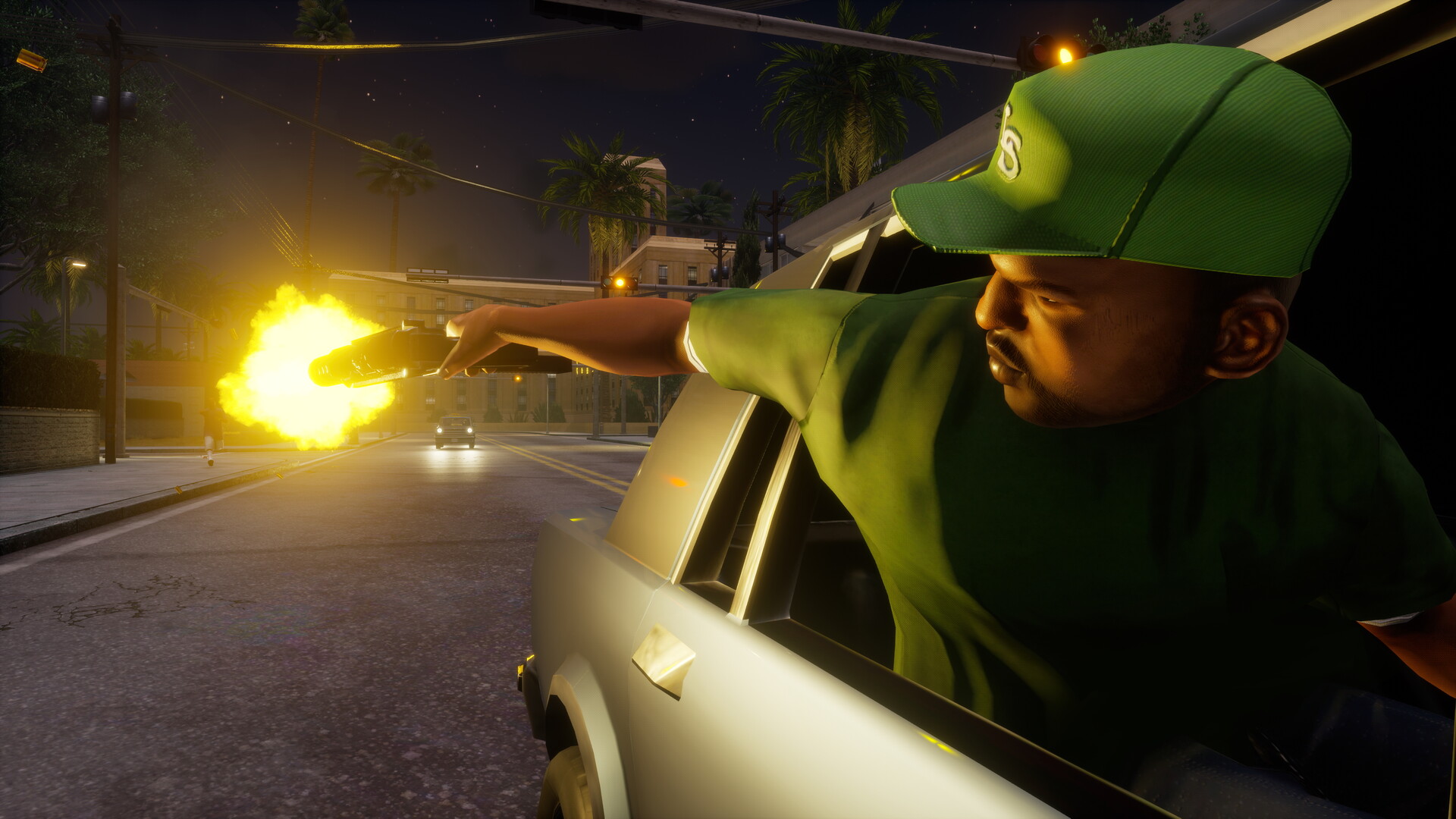
Every version of San Andreas uses the same basic rule: you enter the code during normal gameplay, not from the pause menu. A small “Cheat activated” message appears in the top-left corner when it works. If you see nothing, the input didn’t register.
Quick steps: activate a weather cheat
- Load your save and get CJ on foot or in a vehicle in open play.
- Do not pause the game.
- On PC, type the letter code on your keyboard. On console, press the button sequence quickly and in order.
- Watch for “Cheat activated” in the top-left corner.
- Wait a few seconds for the sky and lighting to blend into the new weather.
PC: typing the codes
On PC you type the cheat directly while playing. There is no text box and no confirmation prompt. Capital letters don’t matter, and you can type while driving, walking or standing still.
Many PC cheats have two working versions: a scrambled letter string (like CWJXUOC) and a readable English phrase (like SANDINMYEARS). On the original PC release both work. If a phrase doesn’t trigger on your build, try the letter string instead. The readable phrases are the codes Rockstar originally programmed, while the shorter letter strings are community-discovered alternatives that trigger the same effect.
PlayStation and Xbox: button sequences
Console codes are button combinations. You need to enter them reasonably fast with no extra presses in between. A single stray tap on the analog stick can break the sequence, so keep your thumbs off the sticks and use the D-pad for directions.
The hardest part for most players is the shoulder buttons. San Andreas was designed around the PS2 controller, which had four shoulder buttons (L1, L2, R1, R2). Every later controller maps those four inputs differently, which is why the Xbox codes look so strange.
Mobile and Netflix: the awkward one
Touch-screen versions don’t have physical buttons to press, so the console sequences don’t apply. The method players have relied on is connecting a Bluetooth or USB keyboard and typing the PC codes during play. Support has varied between the 2013 mobile port and the Netflix Definitive Edition, and between app updates. Test with a harmless code like clear weather before you build a session around it.
Heads up
Skip any “cheat app” or mod menu that claims to add codes to mobile San Andreas. Those downloads are a common malware route and can corrupt your save.
How we ranked these cheats
Not every weather code is equally useful. We ranked all nine weather and clock cheats against three criteria:
- Practical value. Does it make missions, collectibles or driving easier?
- Visual payoff. Does it noticeably change how the state looks, which matters for screenshots and replays?
- Risk. Can it break a mission timer, make a save harder to use, or cause confusion later?
A code that helps you finish content scores higher than one that only changes the color of the sky. Codes that freeze the clock lose points because they can trap you if you forget they’re on.
The 9 best GTA San Andreas weather and time cheats, ranked
1. Clear weather (top pick)
PC: AFZLLQLL (or PLEASANTLYWARM)
PlayStation: R2, X, L1, L1, L2, L2, L2, Triangle
This is the code you’ll use most. It wipes out fog, rain and haze in one move and gives you the best visibility in the game. That matters more than you’d think. San Andreas has a short draw distance on its original hardware, and bad weather shrinks it further.
Clear weather earns the top spot because it fixes problems instead of creating them. Flying missions, long highway chases and races all go better when you can see the next turn. If you’re hunting the 50 snapshots in San Fierro, which unlock weapons at the Doherty garage when you finish them, a clear sky makes the camera targets far easier to spot.
2. Faster clock
PC: YSOHNUL (or TIMEJUSTFLIESBY)
PlayStation: Circle, Circle, L1, Square, L1, Square, Square, Square, L1, Triangle, Circle, Triangle
This one changes time, not weather, but it’s a close second for practical use. A full in-game day passes in about a quarter of the normal time. It’s ideal when you’re waiting for content that only runs at set hours.
The burglary side missions only start after dark, so speeding up the afternoon saves real minutes. Girlfriend dates, including Michelle Cannes in San Fierro, also run on time windows. Turn the code off by entering it again once you reach the hour you want.
Agent's note
The faster clock also speeds up natural weather changes. If you want a specific condition without forcing it, run the faster clock for a bit and let the weather cycle come to you.
3. Sandstorm
PC: CWJXUOC (or SANDINMYEARS)
PlayStation: Up, Down, L1, L1, L2, L2, L1, L2, R1, R2
The sandstorm is San Andreas’ most dramatic weather, and it’s the closest thing the game has to a whiteout. The screen fills with brown dust, visibility drops to almost nothing, and the world takes on a grainy, apocalyptic tint. It naturally shows up in the desert around Bone County and Tierra Robada, but the cheat forces it anywhere on the map.
Try it on the Las Venturas Strip or at the top of Mount Chiliad. It ranks third because it’s great for atmosphere and terrible for actually getting anything done. You will crash cars and lose targets in it.
4. Foggy weather
PC: CFVFGMJ (or CANTSEEWHEREIMGOING)
PlayStation: R2, X, L1, L1, L2, L2, L2, X
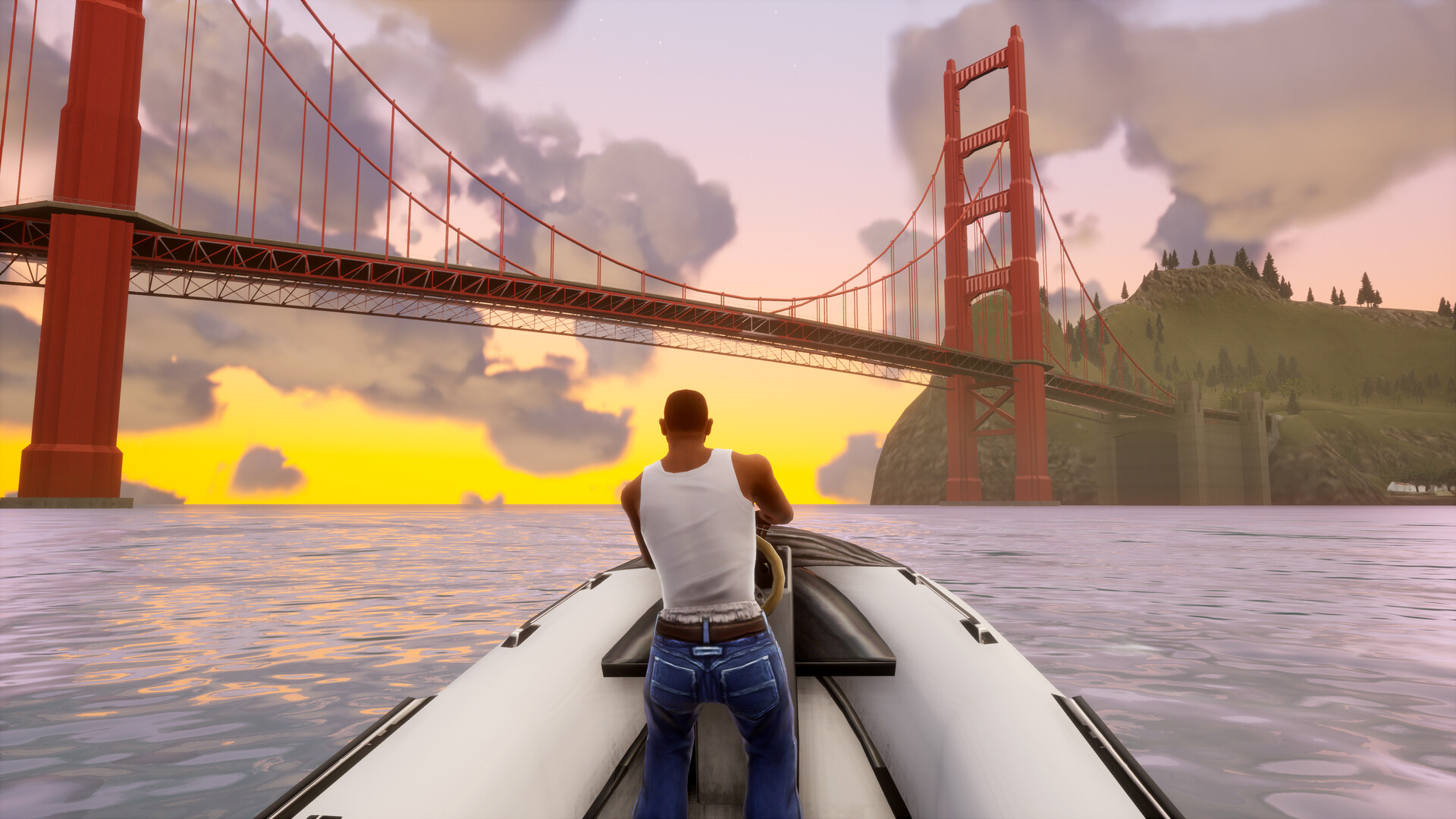
Fog is San Francisco’s signature weather, so it suits San Fierro perfectly. Thick grey haze rolls over the Gant Bridge and the bay, and the city gets a moody, cinematic look. This is the cheat most often mistaken for a snow code in screenshots, because the pale wash can read as winter haze.
Use it for atmosphere, not for missions. Fog shortens your view of oncoming traffic, which is a real problem while chasing anything fast.
5. Rainy weather
PC: AUIFRVQS (or STAYINANDWATCHTV)
PlayStation: R2, X, L1, L1, L2, L2, L2, Circle
The rain cheat brings heavy downpours, dark skies and thunder. It has a real gameplay effect: wet roads feel slicker, and high-speed cornering gets less forgiving. Some players use it as a self-imposed driving challenge.
It also looks excellent in Los Santos at night, where the wet streets reflect the neon. Rain on the Grove Street cul-de-sac is a favorite screenshot setup, with the hood looking grim and lived-in.
6. Always midnight
PC: XJVSNAJ (or NIGHTPROWLER)
PlayStation: Square, L1, R1, Right, X, Up, L1, Left, Left
This code locks the clock at 00:00. The world stays dark until you turn the cheat off. It’s perfect for night-time activities without waiting, and it pairs well with the rain or fog codes for a noir look.
It ranks lower because a frozen clock is the kind of thing you forget about. Some content depends on time passing, and a stuck clock can leave you wondering why nothing is starting.
7. Orange sky (clock stopped at 21:00)
PC: OFVIAC (or DONTBRINGONTHENIGHT)
PlayStation: Left, Left, L2, R1, Right, Square, Square, L1, L2, X
This freezes the clock at 9 pm and gives you a permanent orange-pink dusk. It’s the best-looking light in the game, and photographers love it. Santa Maria Beach and the Los Santos skyline at permanent sunset look exactly like the box art era of mid-2000s Rockstar.
It carries the same risk as always midnight: it stops time. Enter the code again to restart the clock.
8. Very sunny weather
PC: ICIKPYH (or TOODAMNHOT)
PlayStation: R2, X, L1, L1, L2, L2, L2, Down
Very sunny cranks up the brightness and heat shimmer. It looks great in the desert and on the beach, and it works nicely with the beach party cheat (CIKGCGX or LIFESABEACH on PC) if you want a full summer scene. Visibility is strong, so it’s safe for missions too.
It sits below clear weather because the extra glare can wash out the image on some screens. Clear weather does the job with less fuss.
9. Overcast
PC: ALNSFMZO (or DULLDULLDAY)
PlayStation: R2, X, L1, L1, L2, L2, L2, Square
Overcast brings flat grey skies with no rain. It’s the least dramatic code on this list, and the alternate phrase says it all. It does have one use: a soft, even light that removes harsh shadows for screenshots. Otherwise, you’ll rarely reach for it.
Quick-reference table: all weather and time cheats on PC
This is the cheat sheet to keep open on a second screen. Every code below works on the original PC release, and the letter strings are your safest bet on newer versions.
| Rank | Cheat effect | PC code | Alternate PC phrase | Best use |
|---|---|---|---|---|
| 1 | Clear weather | AFZLLQLL | PLEASANTLYWARM | Missions, flying, snapshots |
| 2 | Faster clock | YSOHNUL | TIMEJUSTFLIESBY | Skipping to timed content |
| 3 | Sandstorm | CWJXUOC | SANDINMYEARS | Atmosphere, whiteout look |
| 4 | Foggy | CFVFGMJ | CANTSEEWHEREIMGOING | San Fierro mood shots |
| 5 | Rainy | AUIFRVQS | STAYINANDWATCHTV | Driving challenge, night scenes |
| 6 | Always midnight | XJVSNAJ | NIGHTPROWLER | Night activities on demand |
| 7 | Orange sky, clock at 21:00 | OFVIAC | DONTBRINGONTHENIGHT | Sunset photography |
| 8 | Very sunny | ICIKPYH | TOODAMNHOT | Beach and desert scenes |
| 9 | Overcast | ALNSFMZO | DULLDULLDAY | Soft, shadow-free light |
GTA San Andreas weather cheats for PS2, PS3, PS4 and PS5
The PlayStation codes are the original codes. Every other console version is a translation of these. They work on the PS2 original, the PS3 release, the PS4 version (an emulated PS2 Classic), and the Definitive Edition on PS4 and PS5. On the DualShock 4 and DualSense, L2 and R2 are the triggers.
Nintendo Switch owners playing the Definitive Edition use the same button positions, so the Switch column below follows the PlayStation layout: Triangle becomes X, Circle becomes A, Cross becomes B, Square becomes Y, L1 is L, R1 is R, L2 is ZL and R2 is ZR.
| Cheat effect | PlayStation (PS2, PS3, PS4, PS5) | Switch (Definitive Edition) |
|---|---|---|
| Clear weather | R2, X, L1, L1, L2, L2, L2, Triangle | ZR, B, L, L, ZL, ZL, ZL, X |
| Very sunny | R2, X, L1, L1, L2, L2, L2, Down | ZR, B, L, L, ZL, ZL, ZL, Down |
| Overcast | R2, X, L1, L1, L2, L2, L2, Square | ZR, B, L, L, ZL, ZL, ZL, Y |
| Rainy | R2, X, L1, L1, L2, L2, L2, Circle | ZR, B, L, L, ZL, ZL, ZL, A |
| Foggy | R2, X, L1, L1, L2, L2, L2, X | ZR, B, L, L, ZL, ZL, ZL, B |
| Sandstorm | Up, Down, L1, L1, L2, L2, L1, L2, R1, R2 | Up, Down, L, L, ZL, ZL, L, ZL, R, ZR |
| Faster clock | Circle, Circle, L1, Square, L1, Square, Square, Square, L1, Triangle, Circle, Triangle | A, A, L, Y, L, Y, Y, Y, L, X, A, X |
| Always midnight | Square, L1, R1, Right, X, Up, L1, Left, Left | Y, L, R, Right, B, Up, L, Left, Left |
| Orange sky, clock at 21:00 | Left, Left, L2, R1, Right, Square, Square, L1, L2, X | Left, Left, ZL, R, Right, Y, Y, L, ZL, B |
Notice the pattern in the first five rows. Every standard weather code shares the same seven-button opening, and only the last press changes. Once you memorise R2, X, L1, L1, L2, L2, L2, you effectively know five cheats.
Agent's note
On PS4 and PS5, the triggers have a long travel. Press them fully on every input. A half-press on L2 is the most common reason a PlayStation weather code fails.
GTA San Andreas weather cheats for Xbox
Xbox players have two sets of codes depending on which version they own. The original 2005 Xbox release used a controller with White and Black buttons in place of PlayStation’s second shoulder buttons. The 2014 Xbox 360 version, which also runs on Xbox One and Xbox Series X|S through backward compatibility, uses bumpers and triggers. The Definitive Edition on Xbox One and Series X|S uses the same bumper-and-trigger layout.
On the modern pads, L1 becomes LB, R1 becomes RB, L2 becomes LT and R2 becomes RT. On the original Xbox, L1 is the left trigger, R1 is the right trigger, L2 is White and R2 is Black.
| Cheat effect | Xbox 360, One, Series X|S, Definitive Edition | Original Xbox (2005) |
|—|—|—|
| Clear weather | RT, A, LB, LB, LT, LT, LT, Y | Black, A, L, L, White, White, White, Y |
| Very sunny | RT, A, LB, LB, LT, LT, LT, Down | Black, A, L, L, White, White, White, Down |
| Overcast | RT, A, LB, LB, LT, LT, LT, X | Black, A, L, L, White, White, White, X |
| Rainy | RT, A, LB, LB, LT, LT, LT, B | Black, A, L, L, White, White, White, B |
| Foggy | RT, A, LB, LB, LT, LT, LT, A | Black, A, L, L, White, White, White, A |
| Sandstorm | Up, Down, LB, LB, LT, LT, LB, LT, RB, RT | Up, Down, L, L, White, White, L, White, R, Black |
| Faster clock | B, B, LB, X, LB, X, X, X, LB, Y, B, Y | B, B, L, X, L, X, X, X, L, Y, B, Y |
| Always midnight | X, LB, RB, Right, A, Up, LB, Left, Left | X, L, R, Right, A, Up, L, Left, Left |
| Orange sky, clock at 21:00 | Left, Left, LT, RB, Right, X, X, LB, LT, A | Left, Left, White, R, Right, X, X, L, White, A |
Which San Andreas version are you playing?
Cheat entry depends on your version more than your platform. This table sums up every official release and how codes work on each.
| Version | Platforms | Original release | Cheat entry method |
|---|---|---|---|
| Original | PlayStation 2 | October 2004 | Button sequences |
| Original | PC, original Xbox | June 2005 | Typed codes (PC), button sequences (Xbox) |
| Mobile port | iOS, Android | December 2013 | No built-in method; keyboard typing is the usual fallback |
| HD remaster of mobile port | Xbox 360 (later Xbox One and Series via backward compatibility) | October 2014 | Button sequences |
| PS3 release | PlayStation 3 | December 2015 | Button sequences |
| PS2 Classic | PlayStation 4 | December 2015 | Button sequences |
| Definitive Edition | PS4, PS5, Xbox One, Series X | S, Switch, PC | November 2021 |
| Definitive Edition via Netflix | iOS, Android | December 2023 | Touch only by default; keyboard support varies |
The weather codes themselves never changed between versions. What changed is the controller, so the same PS2 code just gets translated into each new button layout.
The snow myth: why there’s no snow cheat in San Andreas
Search interest for a GTA snow San Andreas cheat is real and steady, so it’s worth explaining where the idea comes from.
What the game actually contains
San Andreas has a fixed set of weather types built around its three real-world inspirations: Los Angeles, San Francisco and Las Vegas. You get sun, haze, cloud, rain, fog and desert sandstorms. Nothing in the official cheat list touches snow, and the in-game weather cycle never produces it, even at the summit of Mount Chiliad. The mountain is tall enough that you’d expect a snowcap, and its absence is part of why players go looking for a cheat.
Where the confusion comes from
Three things keep the snow rumor alive:
- Fog and sandstorm screenshots. A heavily fogged San Fierro, or a sandstorm in poor lighting, can look like a blizzard in a compressed image or thumbnail.
- Fan mods. The PC modding scene has produced snow and winter weather mods for years. Footage from those mods gets reuploaded with titles that imply a cheat. Third-party mod downloads also carry malware risk, so we don’t recommend chasing them.
- Other GTA games. Later Rockstar games do have snow. GTA V opens in snowy North Yankton, and GTA Online has run snowy holiday events. People blend those memories with San Andreas.
GTA V also has a weather-cycling cheat of its own. If that’s what you’re after, our guide to GTA 5 cheat codes for PS4 and PS5 lists every button combo.
The closest you can get to a winter look
You can’t make it snow, but you can get a cold, bleak atmosphere. Our best combinations:
- Foggy plus always midnight for a dark, frozen-looking San Fierro.
- Overcast plus the orange-sky clock stop for a pale, wintry dusk with flat light.
- Sandstorm on Mount Chiliad for the closest thing to a whiteout on the map.
None of them is snow. They’re the most honest substitutes the base game offers.
How weather cheats behave once they’re on
Knowing how forced weather works saves you some confusion during a session.
Weather blends in gradually. After the “Cheat activated” message, the sky and lighting take a few seconds to transition. Don’t enter the code twice because nothing changed instantly.
Stacking works between weather and time. You can combine one weather code with one time code, like rain plus always midnight. Two weather codes don’t stack: the second simply replaces the first.
Clock cheats toggle. Faster clock, always midnight and the orange-sky freeze switch off when you enter the same code again. If the clock seems stuck days later, one of these is probably still active.
Reloading resets things. The most dependable way to get back to normal weather and time is to reload a save made before you used cheats.
Interiors don’t show weather. Shops, safehouses and interiors like the Four Dragons Casino have no visible sky. Step outside to see the effect.
Gameplay effects worth knowing
Weather in San Andreas isn’t purely cosmetic. A few effects can make your life easier or harder.
Visibility and draw distance
Fog, rain and sandstorms shrink how far you can see. On the original PS2 hardware, where draw distance was already tight, a foggy chase through San Fierro turns into a series of near misses. Use clear weather before any mission that involves following a target, flying, or a long race.
Driving grip
Rain makes the roads feel slicker, especially at speed. If you’re struggling with a street race, switch to clear weather first. If you want an extra challenge on a race you’ve already beaten, try it in the rain.
Flying and parachuting
Low-visibility weather makes flying miserable. The flight school in the desert, the jetpack sequences and any plane mission play much better under a clear sky. The jetpack cheat itself (YECGAA, or ROCKETMAN on PC) is far more fun when you can actually see the city below you.
Wanted levels and chases
Weather doesn’t affect police behavior directly, but fog and night make it harder for you to spot incoming cops. If you’re deliberately raising your wanted level for a chase (OSRBLHH or TURNUPTHEHEAT on PC adds two stars), set clear weather first so you can see what’s coming.
Related cheats that pair well with weather codes
Weather codes are most fun when combined with other world-changing cheats. These pair especially well for screenshots, replays or simply messing about. All are confirmed codes from the original release.
| Cheat effect | PC code | Alternate PC phrase | PlayStation |
|---|---|---|---|
| Faster gameplay | PPGWJHT | SPEEDITUP | Triangle, Up, Right, Down, L2, L1, Square |
| Slower gameplay | LIYOAAY | SLOWITDOWN | Triangle, Up, Right, Down, Square, R2, R1 |
| Pink traffic | LLQPFBN | PINKISTHENEWCOOL | Circle, L1, Down, L2, Left, X, R1, L1, Right, Circle |
| Black traffic | IOWDLAC | SOLIDASAROCK | Circle, L2, Up, R1, Left, X, R1, L1, Left, Circle |
| Beach party | CIKGCGX | LIFESABEACH | Up, Up, Down, Down, Square, Circle, L1, R1, Triangle, Down |
| Spawn jetpack | YECGAA | ROCKETMAN | Left, Right, L1, L2, R1, R2, Up, Down, Left, Right |
| Spawn Dozer (bulldozer) | EEGCYXT | ITSALLBULL | R2, L1, L1, Right, Right, Up, Up, X, L1, Left |
| Infinite oxygen | CVWKXAM | MANFROMATLANTIS | Up, Down, Square, L2, R2, R1, Left, Square, R1, L1 |
A few combinations we like:
- Slower gameplay plus orange sky turns any action scene into a cinematic slow-motion sunset.
- Black traffic plus always midnight plus rain gives Los Santos a grim, gang-war feel that suits the early Grove Street missions.
- Beach party plus very sunny builds a full summer scene at Santa Maria Beach.
- Infinite oxygen plus clear weather makes oyster hunting in the bays far easier, since you can see further underwater and stay down as long as you like.
The full list of every code in the game, including weapons, vehicles, CJ’s stats and gang cheats, lives in our guide to every GTA San Andreas cheat code for all platforms. If you mainly need survival help, our GTA San Andreas health and armor cheats piece covers that set in detail, and the tank code has its own write-up in the GTA San Andreas tank cheat for the Rhino guide.
Risks: saves, trophies and stats
Weather cheats are among the safest codes in San Andreas. They don’t spawn anything, don’t change CJ’s stats, and don’t affect the story. Still, a few rules apply to all cheats.
Heads up
In the Definitive Edition, using cheats disables trophies and achievements. Keep a separate save slot for cheat sessions so your main save stays clean.
Keep a clean save. Before any cheat session, save to a different slot. If something feels off afterward, a stuck clock or odd weather, you can reload the clean file.
Watch the clock cheats before saving. Freezing time and then saving is the most common way players confuse themselves. Turn off always midnight and the orange-sky freeze before you save.
Cheats are tracked. San Andreas records cheat use in its statistics. It doesn’t stop you finishing the game or reaching 100%, but it’s there if you care about a clean record.
Online and multiplayer mods. Single-player cheats don’t work on community multiplayer servers. Multi Theft Auto servers, for example, control weather and time server-side, so your typed codes won’t change anything there.
Troubleshooting: when a weather code won’t work
If the “Cheat activated” message doesn’t appear, run through this checklist.
- Are you paused? Codes only work during live gameplay. Close every menu first.
- Did you use the D-pad? On consoles, directions must come from the D-pad, never the analog stick.
- Were you fast enough? Long pauses between button presses can drop the input. Practice the sequence once before you try it.
- Are you using the right layout? Original Xbox and Xbox 360 codes differ. Check the table for your exact version.
- Did a phrase fail on PC? Switch to the scrambled letter string, which is the more reliable form.
- Are you indoors? You won’t see weather changes inside buildings. Step outside.
- On mobile, is a keyboard connected and recognised? Without one, there’s no reliable way to enter codes on a touch screen.
Most failed attempts come down to the first three. A successful entry always shows the message, so if it appeared and nothing changed, wait a few seconds for the sky to blend in.
FAQ
Is there a snow cheat in GTA San Andreas?
No. GTA San Andreas has no snow weather and no snow cheat on any platform or version, including the Definitive Edition. Snow footage you see online comes from PC mods, edited clips, or other Rockstar games like GTA V.
What are the GTA San Andreas weather cheats for PS2?
All five standard weather codes start with R2, X, L1, L1, L2, L2, L2. Finish with Triangle for clear, Down for very sunny, Square for overcast, Circle for rain, or X for fog. The sandstorm is Up, Down, L1, L1, L2, L2, L1, L2, R1, R2.
What are the GTA San Andreas weather cheats for PC?
Type AFZLLQLL for clear weather, ICIKPYH for very sunny, ALNSFMZO for overcast, AUIFRVQS for rain, CFVFGMJ for fog and CWJXUOC for a sandstorm. Type them during gameplay with no menu open.
Do the same weather cheats work in the Definitive Edition?
Yes. The Definitive Edition uses the same codes. On PlayStation the button sequences are identical, Xbox uses the bumper-and-trigger layout, Switch uses the same button positions as PlayStation, and PC accepts typed codes. Using cheats there disables trophies and achievements.
How do I turn a weather cheat off?
Enter a different weather code, such as clear weather, to replace it. To fully return to the natural weather cycle, reload a save made before you entered the cheat. Clock cheats like always midnight switch off when you enter the same code again.
Can I use weather cheats during missions?
Yes. Weather codes work during missions and don’t fail them. Clear weather is the most useful choice for flying, chases and races, because it gives you the longest view distance.
Which weather cheat is the best?
Clear weather is our top pick because it improves visibility and never gets in your way. For atmosphere, the sandstorm is the most dramatic, and the orange-sky clock freeze gives the best light for screenshots.
